Temporal Analysis in Neo4j Bloom
Neo4j Bloom allows for basic temporal analysis using its "Slicer" feature. This guide shows you how to use the slicer to filter graph results to only those happening within a certain time frame.
Example - correlating IPs used for Okta logons & host activity
Imagine an alert fires for suspicious Okta authentication due to the usage of a low-prevalence VPN provider. You may wish to check if the IP address involved in the alert has been used by the affected user's laptop in the past.
Get the data
In Neo4j Bloom, you can construct the following query to fetch all such relationships:
(OktaAccount name(contains): Roszewski)-[ACCOUNT_PERFORMAED_LOGON]->(LogonAttempt)-[LOGON_MADE_FROM_IP]->(IPv4)<-[HOST_SEEN_WITH_IP]-(Host)<-[PERSON_OWNS_ASSET]-(Person)-[PERSON_OWNS_ACCOUNT]->(OktaAccount)
Let's unpack this query:
(OktaAccount name(contains): Roszewski)-[ACCOUNT_PERFORMAED_LOGON]->(LogonAttempt)fetches allLogonAttemptsmade by Okta accounts with the username containingRoszewski(LogonAttempt)-[LOGON_MADE_FROM_IP]->(IPv4)pivots to the related IP address(IPv4)<-[HOST_SEEN_WITH_IP]-(Host)pivots to the hosts seen with those addresses(Host)<-[PERSON_OWNS_ASSET]-(Person)-[PERSON_OWNS_ACCOUNT]->(OktaAccount)pivots to the Okta accounts owned by the same person who owns the host
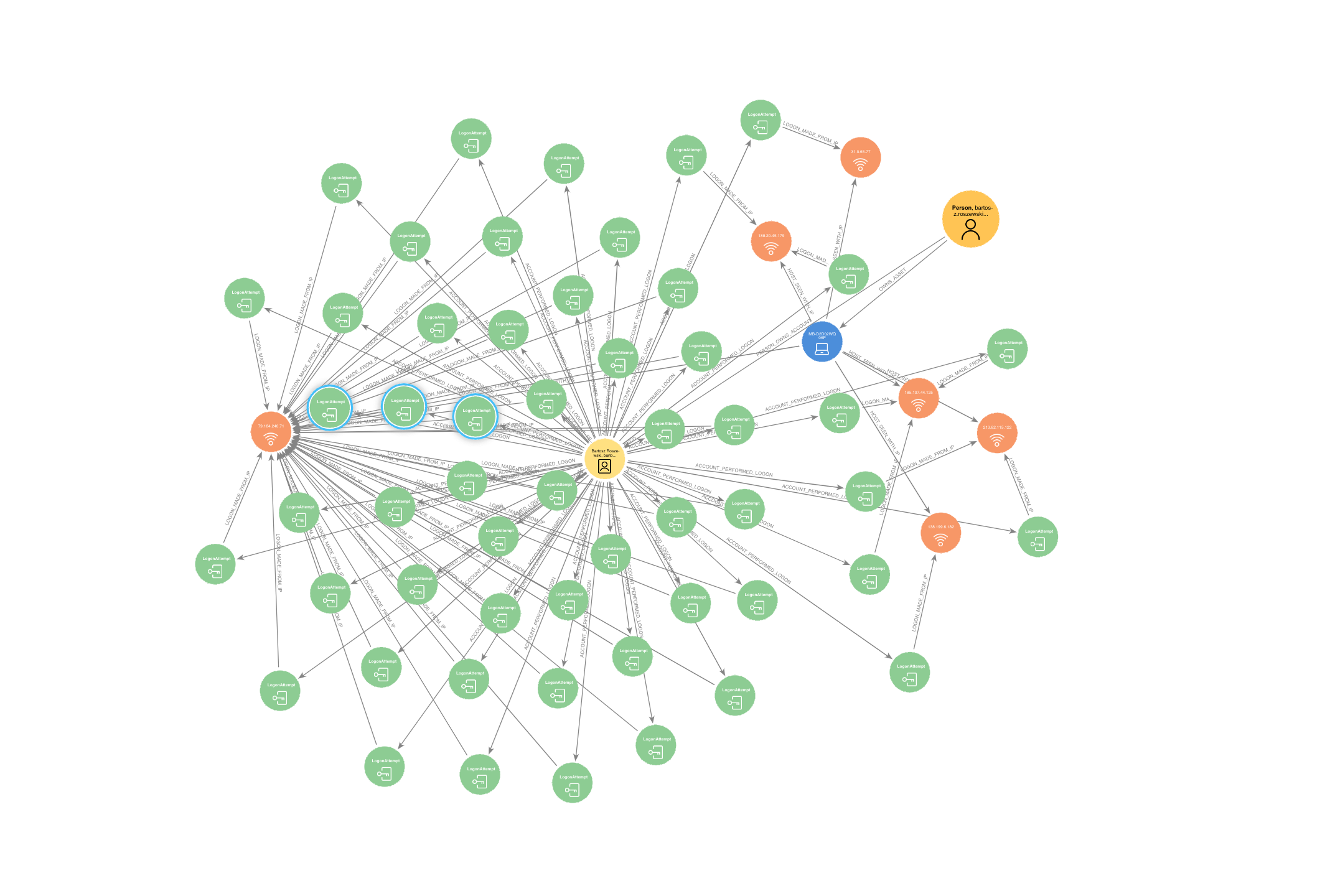
This generates the following slightly messy graph, which does indeed show that all IPs seen in Bartosz's LogonAttempts were also seen in relation to his Host.
Temporal filtering
But what if you want to look at the activity from the last 24 hours and any relationships seen within that time, rather than ALL the data (remember, a user can have thousands of LogonAttempts)?
First up, select Slicer in the top left corner
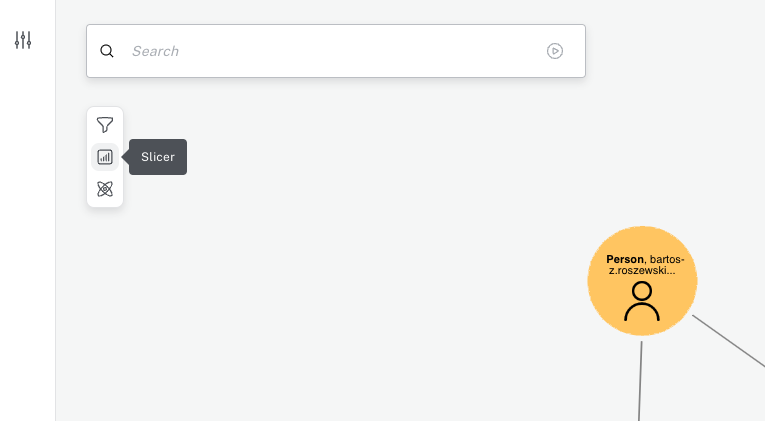
This will allow you to choose a range on which you will begin filtering. Notice that is possible to filter on both time (DateTime) and numerical (Integer or Float) values. The latter is useful for filter such as "show me all IPs with vt_score in the range 10-25"
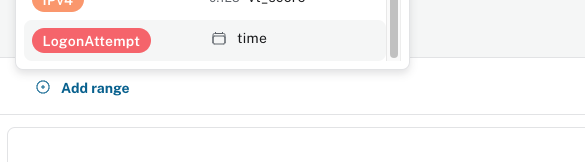
Once you select the time range, use the slider to filter the results
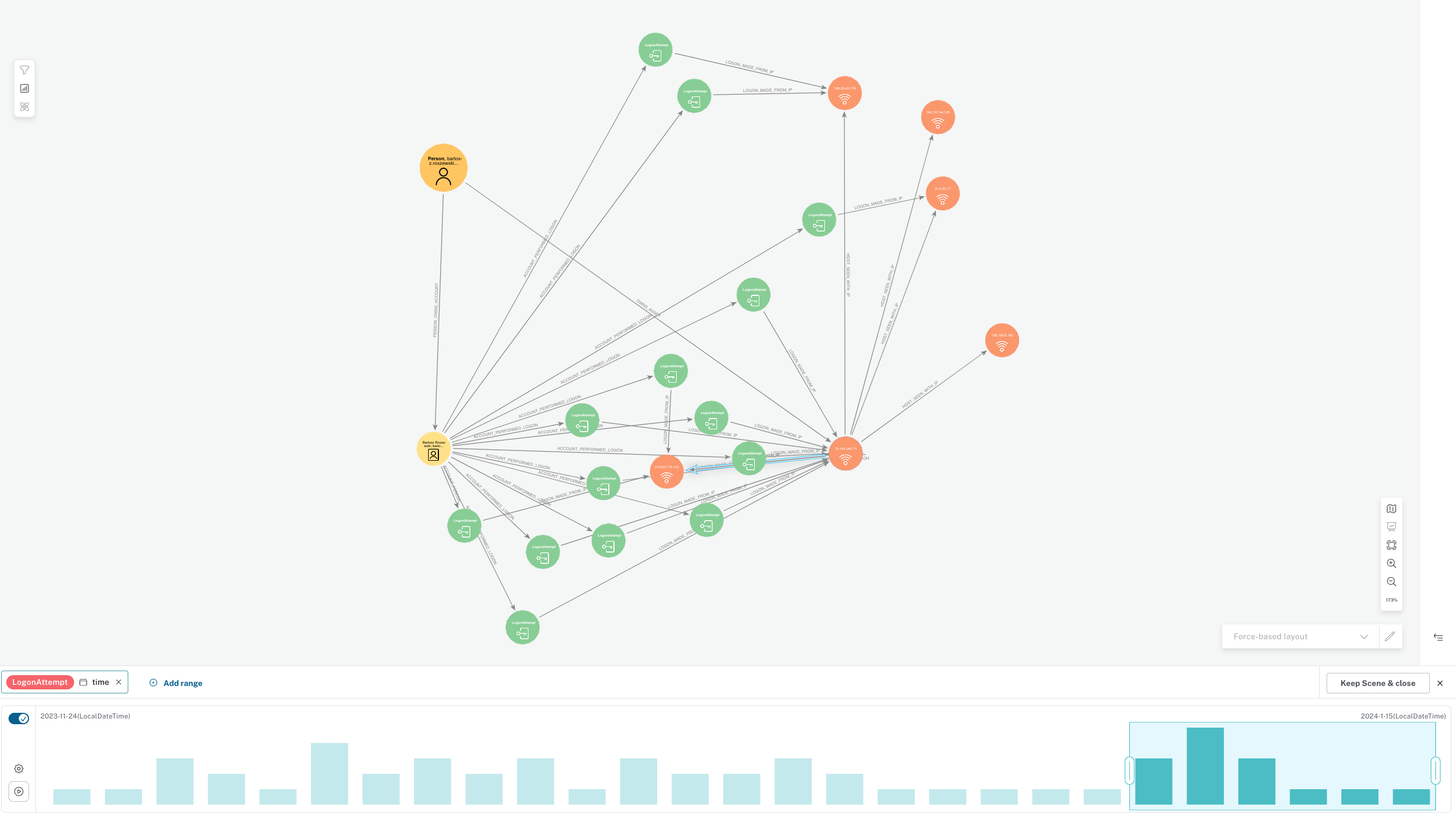
You can also add secondary time ranges for other timestamps (so in this case, you'd select the time property on the LogonAttempt and the first_seen and last_seen properties on the HOST_SEEN_WITH_IP relationship between the Host and the IPv4. Notice that these ranges are independent of one another so you need to remember to filter on all properties you need.
