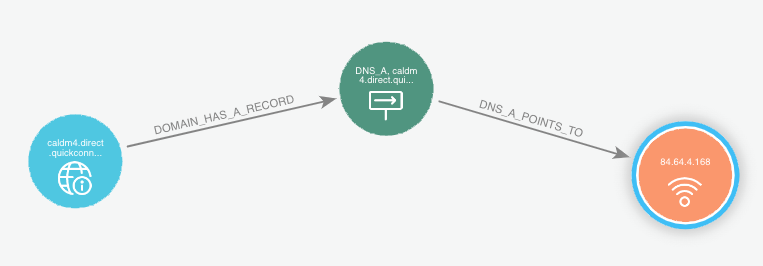
Enrich nodes in Bloom
In order to enrich a node in Neo4j Bloom:
-
Select the node(s) you want to enrich
- Be sensible, don't try to enrich 1,000 nodes at once unless necessary.
-
Click on
Scene Actionsand select your desired enrichment.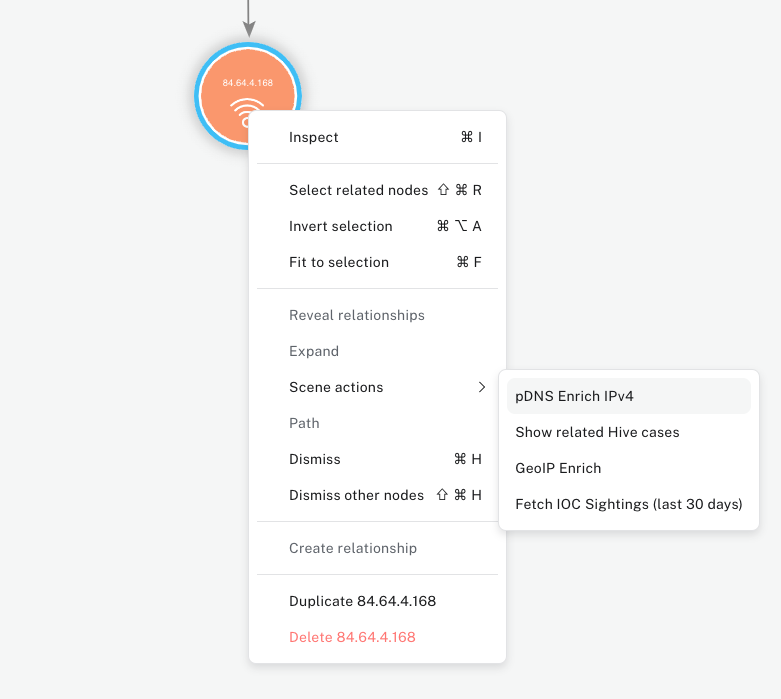
-
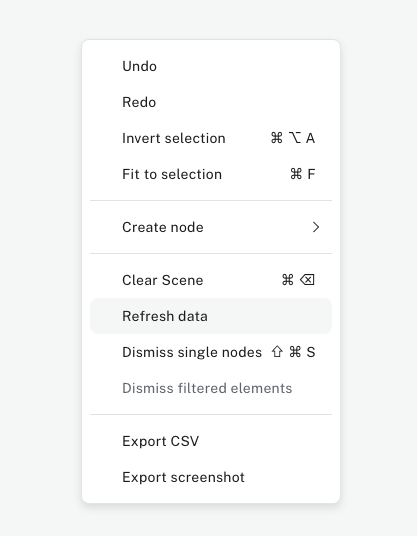
Wait for a few seconds, and click anywhere else on the canvas, click
Refresh Data- This is necessary because Bloom is not aware the data has been enriched in the database and needs to be manually reminded to refresh it's data.
- Enrichment data is also not displayed by default to avoid massive "hairballs" (nodes with a lot of relationships) crashing your application.
-
Once done, you can expand to the newly created relationships.